Case study · Supermarkets
Screens for supermarkets that move offers, not posters.
Weekly deals, meal-for-tonight ideas, store services and opening hours, scheduled across every aisle end and checkout.
42 ready-made designs for supermarkets, free with every screen.
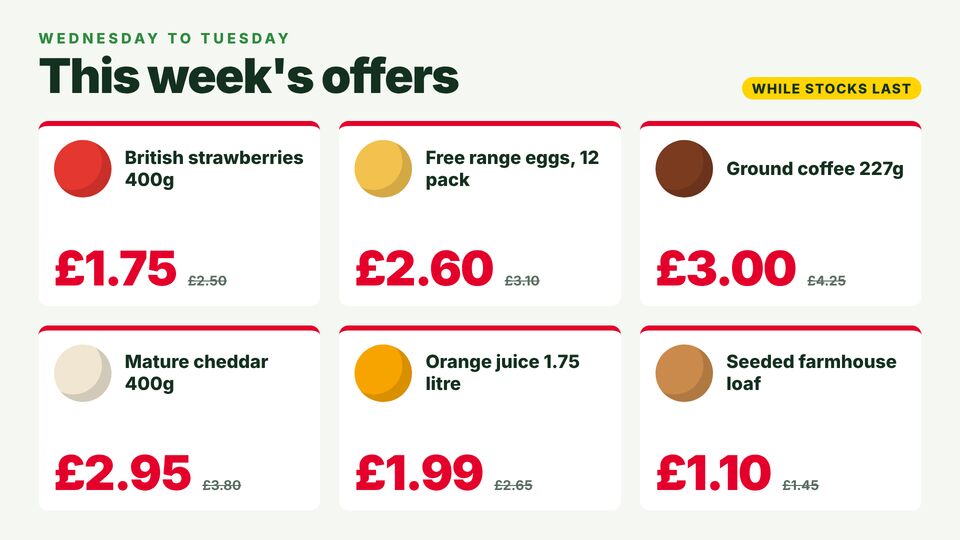
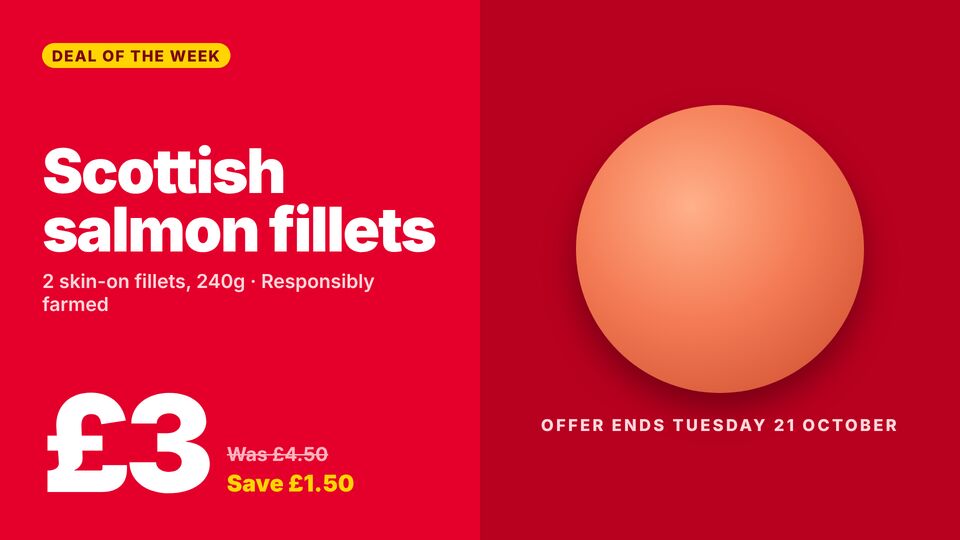
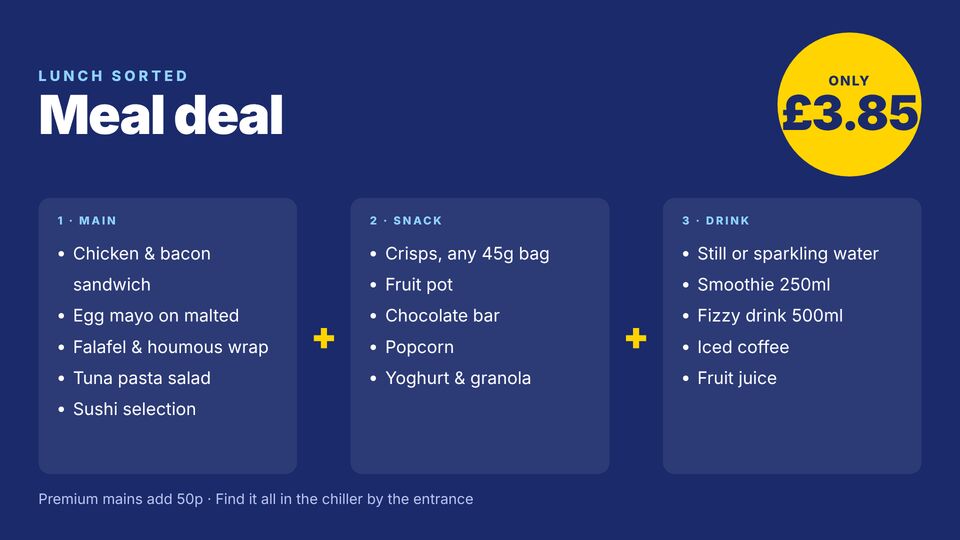
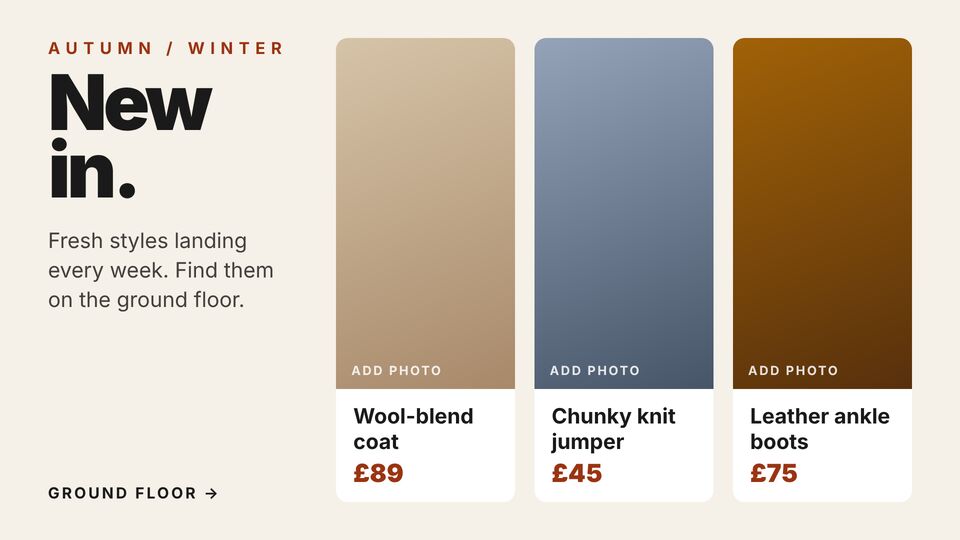
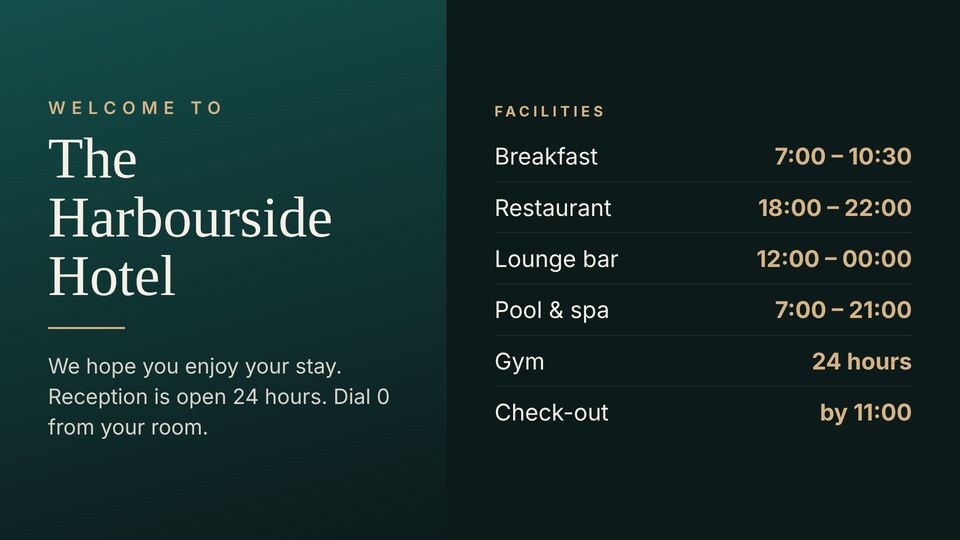
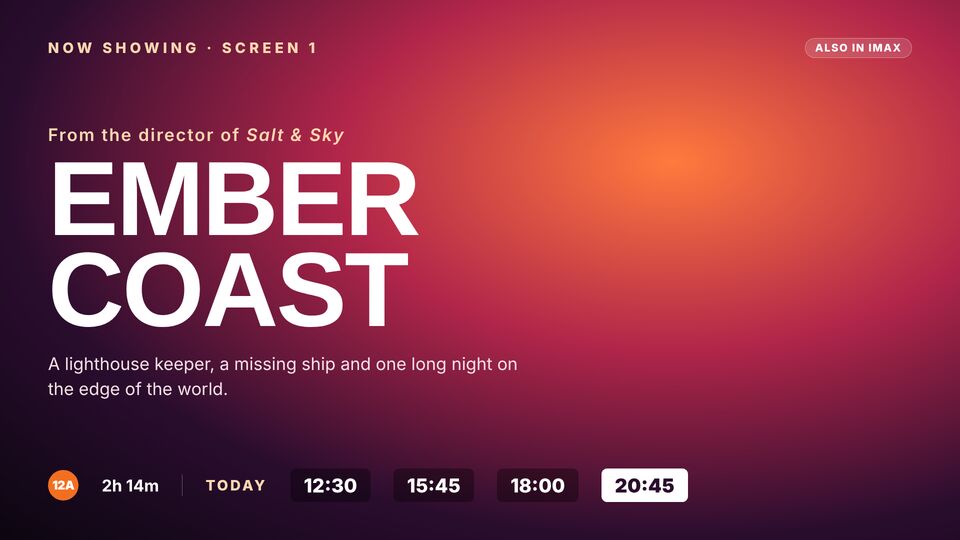
Three of the designs for supermarkets, as they'd look on a wall screen.
The challenge
What supermarkets are up against.
Promotions change every week and printing shelf-end posters for every store takes time and money. Screens let the offer change the moment the price does.
What the screens need to do
- Weekly offers that start and end on the right day
- Meal ideas and bundles that lift basket size
- Store messages like opening hours, click and collect and jobs
Where the screens go
Three screens, three jobs.
Each screen gets its own playlist, so the message fits the spot it's in. Add more whenever you like.
At the entrance
This week's top offers and opening hours.
At aisle ends
Category deals, like beers, bakery or fresh produce.
At the checkouts
Loyalty card, bags and today's meal deal.
A day on the screens
Schedules do the changing, not you.
An example week for supermarkets. Each row is a playlist and when it plays; the screens switch on their own.
| When | Playlist | What plays |
|---|---|---|
| 07:00–11:00 | Morning | Bakery, coffee and breakfast deals. |
| 11:00–15:00 | Lunch | Meal deal and food to go. |
| 15:00–20:00 | Tonight | Dinner ideas and wine offers. |
| Fridays–Sundays | Weekend | Barbecue, party food and drinks deals. |
Slide types that do the work: HTML offersImagesSchedulingWorkspaces
Templates
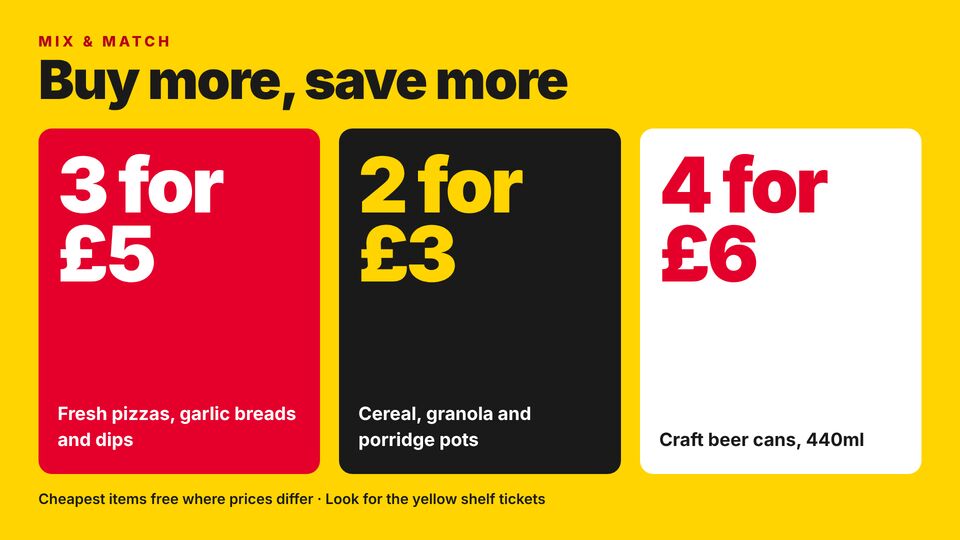
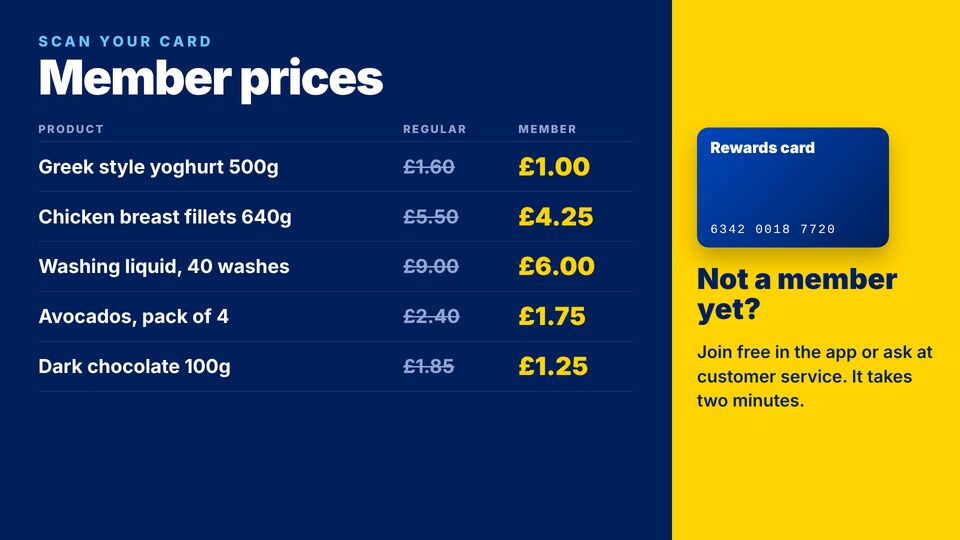
Designs made for supermarkets.
Copy any of these into an HTML slide and change the words and prices. Browse Supermarket (42).
Set up in an afternoon
From a blank TV to on air, in three steps.
Build the playlists
Start from the templates for supermarkets, or upload your own images, video and PDFs. Set how long each slide shows.
Schedule them
Point each playlist at a screen and set the times and days it should run, like the example above.
Type the code on the TV
Open the screen page on any TV with a browser, enter its six-digit code, and it's live. Nothing to install.
Get started
Put your screens to work.
Create a workspace, build the first playlist from a template, and activate a screen today. £10 per screen a month, or £5 when billed annually.
More case studies