Case study · Sports clubs & venues
Screens for sports clubs that bring the crowd closer.
Fixtures, results, line-ups and clubhouse offers, from the bar to the turnstiles.
24 ready-made designs for sports clubs & venues, free with every screen.
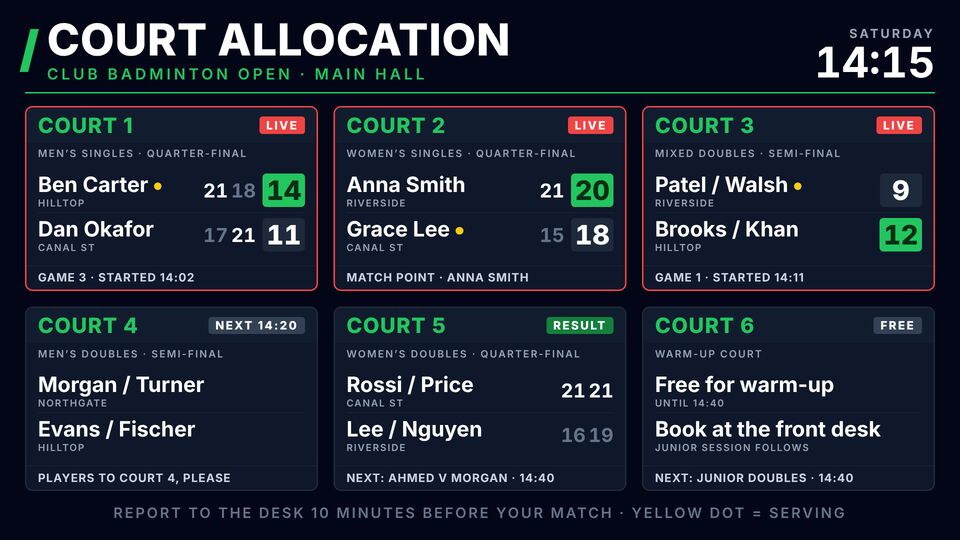
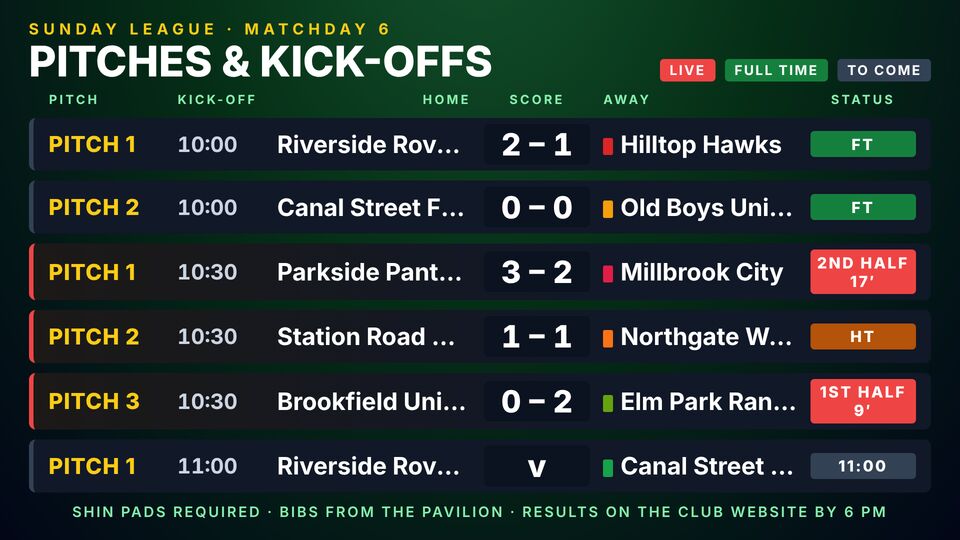
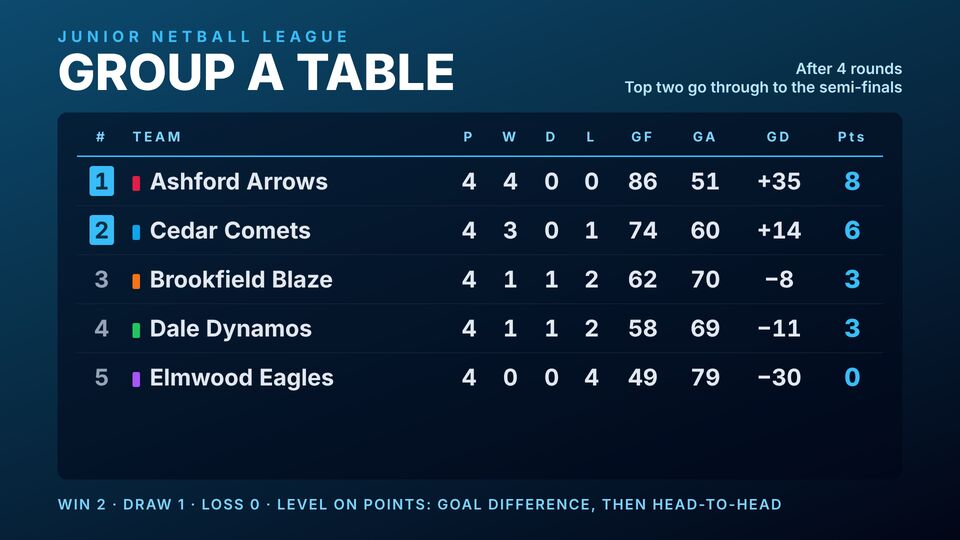
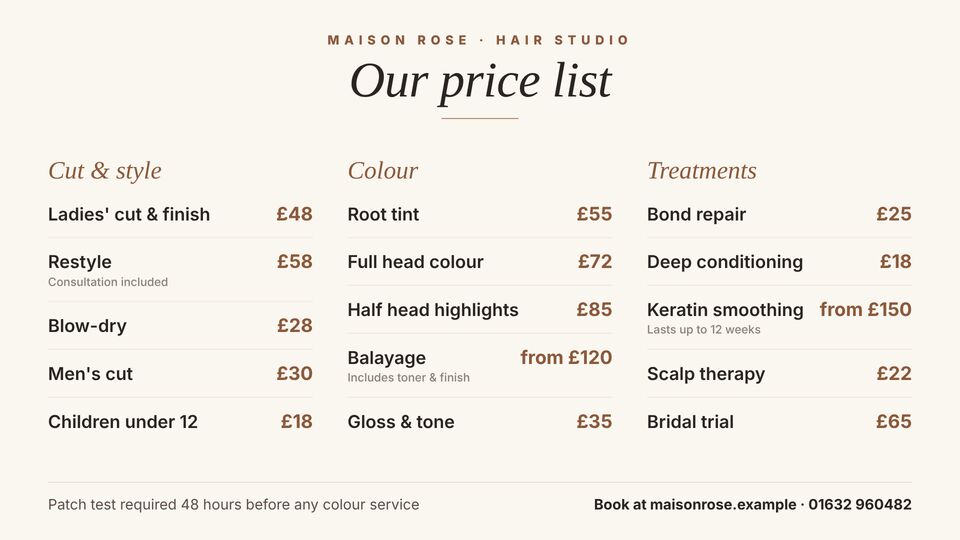
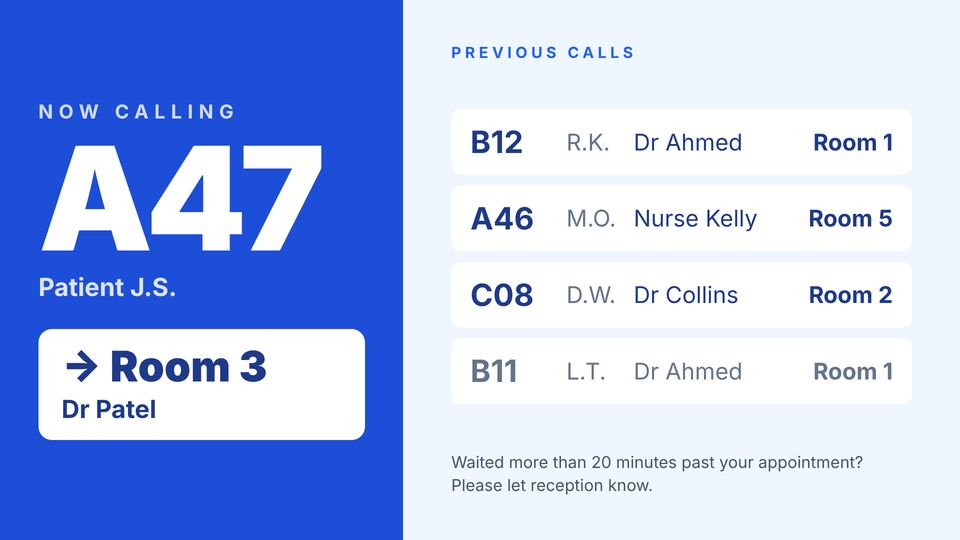
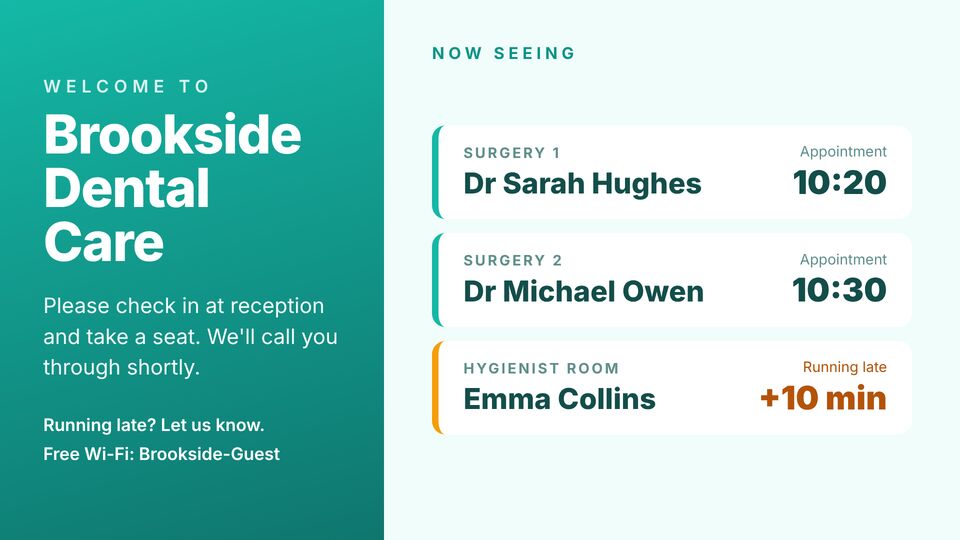
Three of the designs for sports clubs & venues, as they'd look on a wall screen.
The challenge
What sports clubs & venues are up against.
Match days are busy and everything changes fast: kick-off times, line-ups, results. The clubhouse needs to sell membership and events the rest of the week too.
What the screens need to do
- Fixtures, results and league tables
- Match day line-ups and sponsor messages
- Clubhouse bar, events and membership
Where the screens go
Three screens, three jobs.
Each screen gets its own playlist, so the message fits the spot it's in. Add more whenever you like.
At the entrance
Today's fixture and ticket information.
In the clubhouse
Results, bar offers and events.
Pitchside
Sponsor messages and half-time offers.
A day on the screens
Schedules do the changing, not you.
An example week for sports clubs & venues. Each row is a playlist and when it plays; the screens switch on their own.
| When | Playlist | What plays |
|---|---|---|
| Match day | Pre-match | Line-ups, kick-off time and sponsors. |
| Half-time | Interval | Bar offers and the half-time draw. |
| Full-time | Results | Results and next fixture. |
| Weekdays | Clubhouse | Training times, events and membership. |
Slide types that do the work: HTML boardsRSS newsSchedulingImages
Templates
Designs made for sports clubs & venues.
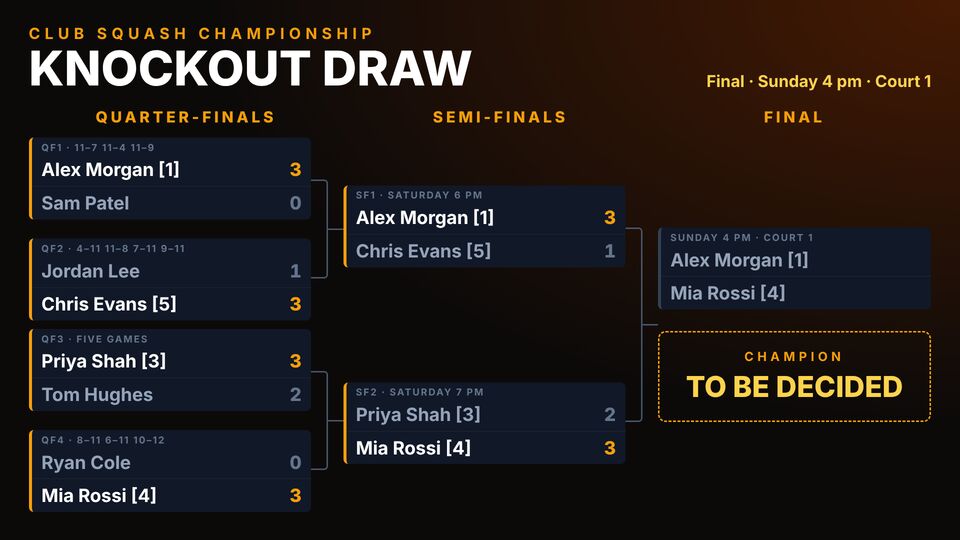
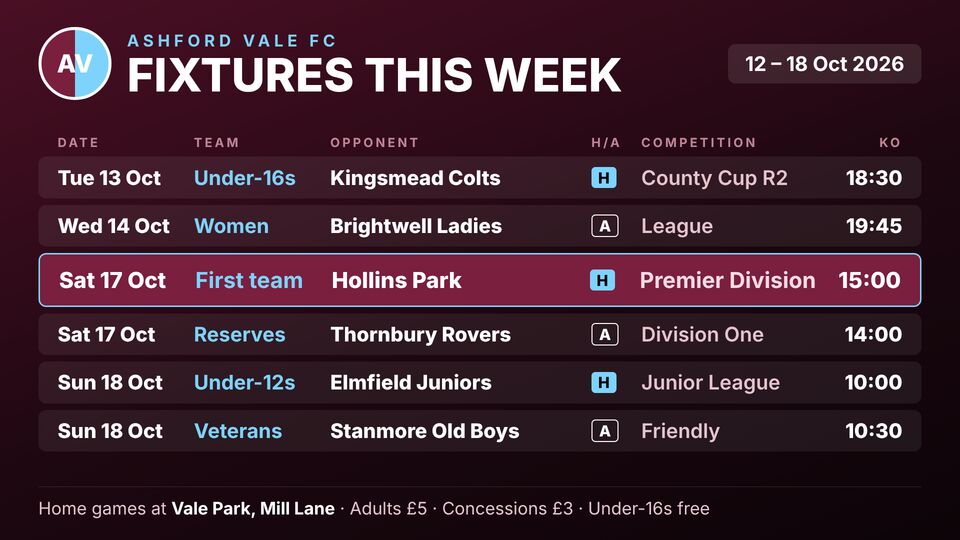
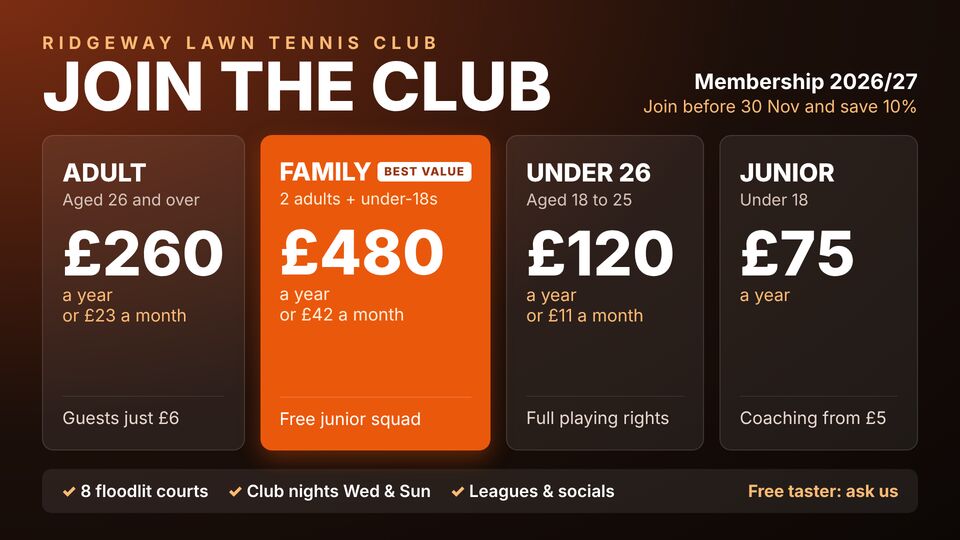
Copy any of these into an HTML slide and change the words and prices. Browse Sport (24).
Set up in an afternoon
From a blank TV to on air, in three steps.
Build the playlists
Start from the templates for sports clubs & venues, or upload your own images, video and PDFs. Set how long each slide shows.
Schedule them
Point each playlist at a screen and set the times and days it should run, like the example above.
Type the code on the TV
Open the screen page on any TV with a browser, enter its six-digit code, and it's live. Nothing to install.
Get started
Put your screens to work.
Create a workspace, build the first playlist from a template, and activate a screen today. £10 per screen a month, or £5 when billed annually.
More case studies